
Mobile App Development: Building for the World in Your Pocket
Mobile app development is the craft of creating software applications that run on mobile devices—smartphones and tablets. In a world where the average person checks their phone over 150 times a day and mobile traffic accounts for nearly 60% of all web traffic, mobile apps have become the primary digital touchpoint for billions of users. They are the gateway to banking, social connection, entertainment, productivity, health, and commerce.

Mobile development is a unique discipline that requires a deep understanding of mobile operating systems, device constraints, touch-based user interfaces, and the distinct expectations of mobile users. Unlike desktop or web development, mobile development is characterized by limited screen real estate, variable connectivity, battery sensitivity, and the need for seamless, intuitive experiences.
What is Mobile App Development?
Mobile app development is the set of processes and procedures involved in writing software for small, wireless computing devices such as smartphones and tablets. It encompasses everything from the initial concept and user interface design to coding, testing, deployment, and ongoing maintenance.
The field is typically divided into three primary approaches:
- Native Development: Building apps specifically for a single platform (iOS or Android) using platform-specific languages and tools.
- Cross-Platform Development: Building apps that run on multiple platforms using a single codebase.
- Progressive Web Apps (PWAs): Web applications that offer app-like experiences through the browser.
The Mobile App Ecosystem
iOS (Apple)
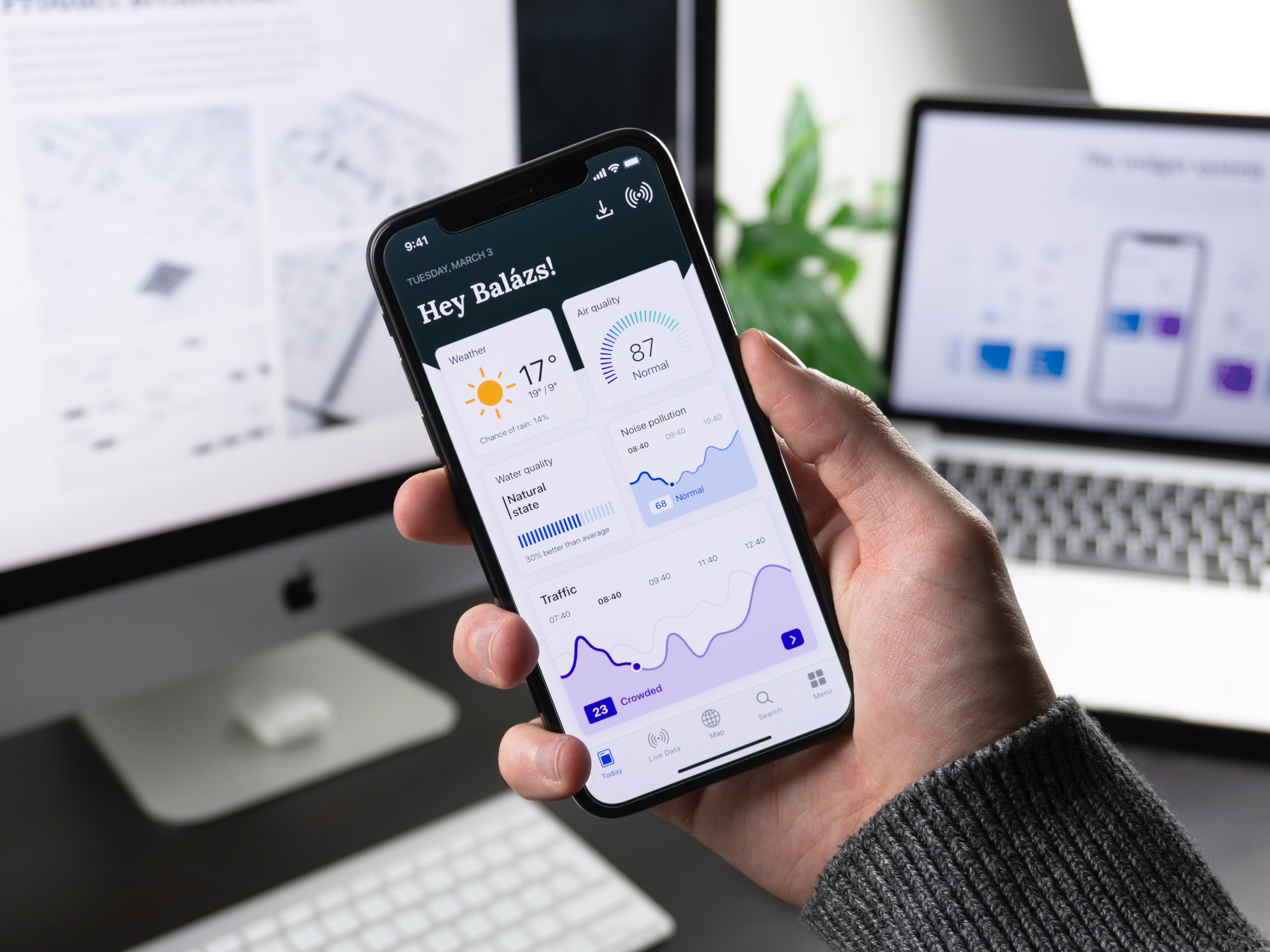
- Programming Languages: Swift (primary), Objective-C (legacy)
- IDE: Xcode
- Frameworks: UIKit, SwiftUI
- Distribution: Apple App Store
- Key Characteristics: Strict design guidelines (Human Interface Guidelines), curated app store, strong privacy focus, limited device fragmentation.
Android (Google)
- Programming Languages: Kotlin (primary), Java (legacy)
- IDE: Android Studio (based on IntelliJ IDEA)
- Frameworks: Android SDK, Jetpack Compose
- Distribution: Google Play Store, alternative app stores (Amazon, Samsung, etc.)
- Key Characteristics: More flexible design guidelines (Material Design), open ecosystem, high device fragmentation (multiple screen sizes, hardware variants, OS versions).
Platform Comparison
FactoriOSAndroidMarket Share~30% US, ~20% globally~70% globallyDevice FragmentationLow (limited devices)High (thousands of devices)MonetizationHigher average revenue per userLarger total user baseDevelopment CostSimilar, but testing is easierHigher due to fragmentationApp Store ReviewStrict, curatedMore relaxed, automated
Native Development: The Gold Standard
iOS Development (Swift/Objective-C)
Swift is Apple's modern, safe, and fast programming language for iOS, macOS, watchOS, and tvOS. It is designed to be easy to read and write, with features like type inference, optionals, and closures.
Key iOS Frameworks:
- UIKit: The traditional framework for building iOS interfaces. It is imperative and delegate-based.
- SwiftUI: Apple's modern declarative UI framework. It allows you to build interfaces by describing what you want, and the system figures out the rest.
The iOS Development Lifecycle:
- Design: Follow Apple's Human Interface Guidelines.
- Develop: Use Xcode with Swift and SwiftUI/UIKit.
- Test: Use Xcode's testing tools, TestFlight for beta testing.
- Deploy: Submit to the App Store with a detailed review process.
Android Development (Kotlin/Java)
Kotlin is Google's preferred language for Android development. It is modern, concise, and interoperable with Java. It reduces boilerplate and avoids many common errors.
Key Android Frameworks:
- Android SDK: The traditional framework.
- Jetpack Compose: Google's modern declarative UI toolkit, analogous to SwiftUI.
The Android Development Lifecycle:
- Design: Follow Google's Material Design guidelines.
- Develop: Use Android Studio with Kotlin and Compose/XML.
- Test: Use Android's testing frameworks, beta testing via Google Play Console.
- Deploy: Publish to the Google Play Store.
Cross-Platform Development: One Code, Many Platforms

Cross-platform development allows developers to write a single codebase that runs on both iOS and Android (and often the web and desktop). This approach can save significant time and resources but may involve trade-offs in performance, native look-and-feel, and access to platform-specific features.
Popular Cross-Platform Frameworks
FrameworkLanguageKey FeaturesBest ForReact NativeJavaScript/TypeScriptVery large ecosystem, hot reloading, near-native performanceApps that need a large ecosystem and rapid developmentFlutterDartHigh performance (compiles to native code), beautiful customizable UI, single codebase for multiple platformsApps needing a beautiful, performant UI across multiple platforms.NET MAUIC#Cross-platform, leverages .NET ecosystem, built on Xamarin.Forms.NET developers building cross-platform appsIonicWeb Technologies (HTML, CSS, JS/TS)Web-based UI, capacitor/cordova for native features, large communityHybrid apps that prioritize web technologies and rapid prototypingXamarinC#Mature, .NET-based, access to native APIs.NET developers, enterprise applications
Choosing a Cross-Platform Framework
- React Native: If you have web development experience, need a large ecosystem, and performance is important.
- Flutter: If you need high performance, a beautiful and consistent UI across platforms, and a modern development experience.
- .NET MAUI: If you are already in the .NET ecosystem and need cross-platform capabilities.
- Ionic: If you want to use web technologies (HTML, CSS, JavaScript) and need rapid development.
Progressive Web Apps (PWAs)
PWAs are web applications that provide an app-like experience. They are built using standard web technologies (HTML, CSS, JavaScript) and can be accessed directly through a browser without installation.
Key Features of PWAs:
- Installable: Can be added to the home screen.
- Offline Capable: Work without an internet connection.
- Push Notifications: Can send notifications.
- Native-like Experience: Provide a seamless, app-like experience.
Pros: No app store requirements, cross-platform, low development cost.
Cons: Limited access to device hardware, limited performance, browser-specific support.
The Mobile App Development Lifecycle
Phase 1: Strategy and Planning
- Define the Purpose: What problem does the app solve?
- Identify the Target Audience: Who will use it?
- Competitive Analysis: Study existing solutions.
- Define Success Metrics: What defines success? (Downloads, engagement, revenue?)
Phase 2: Design
- User Experience (UX): Create user flows, wireframes, and prototypes.
- User Interface (UI): Design the visual experience—colors, typography, icons, and layout.
- Platform Guidelines: Follow Apple's HIG or Google's Material Design.
- Accessibility: Ensure the design is inclusive.
Phase 3: Development
- Choose the Approach: Native, cross-platform, or PWA.
- Set Up the Environment: Install the necessary tools.
- Implement Features: Build the app feature by feature.
- API Integration: Connect to backend services and APIs.
- Local Storage: Use SQLite, Realm, or other databases for offline functionality.
Phase 4: Testing
Mobile testing is extensive and must cover:
- Unit Testing: Test individual components.
- Integration Testing: Test interactions between components.
- UI Testing: Test the user interface.
- Device Fragmentation Testing: Test on multiple devices, screen sizes, and OS versions.
- Performance Testing: Test responsiveness, battery usage, and memory usage.
- Network Testing: Test under different network conditions (3G, 4G, 5G, offline).
- Security Testing: Identify vulnerabilities.
Phase 5: Deployment
- iOS App Store: Submit to Apple for review.
- Android Google Play Store: Submit to Google.
- Beta Testing: Use TestFlight (iOS) or Google Play Beta (Android) for user acceptance testing.
Phase 6: Maintenance and Iteration
- Bug Fixes: Address issues found by users.
- Performance Optimization: Continuously improve performance.
- New Features: Add features based on user feedback.
- OS Updates: Adapt to new OS versions.
- Monitoring: Track usage, crashes, and performance.
Mobile UI/UX Design: Designing for Touch
Core Design Principles
Touch-Friendly Targets:
Apple recommends a minimum tap target of 44x44 points; Android recommends 48x48 dp. This ensures users can easily tap targets with their fingers.
Clear Visual Hierarchy:
Mobile screens are small. Use size, colour, and spacing to guide the user's attention to the most important elements.
Consistent Navigation:
iOS uses a navigation bar at the top (with a back button), while Android often uses a bottom navigation bar and a back button. Follow platform conventions for user comfort.
Minimal Input:
Typing on a mobile device is tedious. Minimize the number of fields, use smart defaults, and use pickers, toggles, and sliders where possible.
Platform-Specific Guidelines
iOS (Human Interface Guidelines):
- Navigation is often a navigation bar with a back button.
- The primary call-to-action is often at the bottom.
- Gestures like swipe-to-go-back are common.
Android (Material Design):
- Navigation is often a bottom navigation bar.
- The primary call-to-action is often a floating action button (FAB).
- The back button is a hardware/software button at the bottom.
Accessibility
- VoiceOver (iOS) / TalkBack (Android): Support screen readers.
- Dynamic Type: Support system-wide font size changes.
- Colour Contrast: Ensure sufficient contrast.
- Touch Targets: Ensure targets are large enough.
Mobile App Architecture
Model-View-Controller (MVC)
The traditional architecture for iOS and Android. The controller handles the logic, the view displays the UI, and the model represents the data.
Model-View-ViewModel (MVVM)
Increasingly popular for both platforms. The ViewModel exposes data and commands to the View, while the Model represents the data. This separation improves testability.
Clean Architecture / Hexagonal Architecture
Architectures that separate the app into layers: presentation (UI), domain (business logic), and data (data access). This improves modularity and testability. Often used with dependency injection (e.g., Hilt for Android, Swinject for iOS).
Common Architectural Components
- Dependency Injection: Manage dependencies and promote modularity.
- Networking: Use libraries like Retrofit (Android) or Alamofire (iOS).
- Local Databases: Use Room (Android) or Core Data (iOS).
- Image Loading: Use libraries like Glide (Android) or Kingfisher (iOS).
Mobile Performance Optimization
Performance is critical in mobile development. Slow apps lead to high uninstall rates and poor ratings.
Key Performance Metrics
- App Startup Time: The time from launching the app to being usable.
- Frame Rate: 60fps (or 120fps) for smooth animations.
- CPU Usage: Heavy CPU usage drains battery.
- Memory Usage: Excessive memory usage causes crashes.
- Network Requests: Slow or frequent network calls hurt performance.
- Battery Usage: A major concern for users.
Optimization Strategies
- Background Threads: Move long-running tasks off the UI thread.
- Lazy Loading: Load only the data the user needs at the moment.
- Image Optimization: Compress images and use appropriate formats (WebP for Android, HEIC for iOS).
- Caching: Cache data to reduce network calls.
- Code Splitting: Load only the necessary code for the current screen.
- Profiling and Tools: Use profilers to identify bottlenecks.
- Minimize Jank: Avoid complex layouts and heavy computations that cause dropped frames.
- Reduce Battery Usage: Use efficient algorithms, minimize network calls, use push notifications wisely.
Mobile App Security
Security is paramount in mobile development, with apps handling increasingly sensitive data.
Common Threats
- Data Leakage: Sensitive data stored insecurely on the device.
- Insecure Communication: Transmitting data over unprotected channels.
- Reverse Engineering: The app's code can be decompiled and analyzed.
- Tampering: The app or its data can be modified.
- Man-in-the-Middle (MITM) Attacks: Intercepting network communications.
Best Practices
Secure Data Storage:
- Use the keychain (iOS) or Keystore (Android) for sensitive data.
- Encrypt sensitive data stored locally.
- Store user credentials with secure authentication.
Secure Network Communication:
- Use HTTPS/TLS for all network communications.
- Implement Certificate Pinning to prevent MITM attacks.
- Validate all server responses.
Code Protection:
- Obfuscate your code to make it harder to reverse-engineer.
- Use code integrity checks to detect tampering.
- Implement runtime application self-protection (RASP) where possible.
Secure Authentication:
- Use OAuth2, OpenID Connect, or similar frameworks.
- For biometric authentication, follow platform guidelines.
Testing:
- Perform regular security audits and vulnerability scans.
- Use penetration testing.
- Implement secure code review processes.
Mobile App Distribution
iOS App Store
- Review: Every app is reviewed by Apple.
- Guidelines: Strict guidelines must be followed.
- Distribution: The App Store is the only distribution channel (for iOS apps).
- Beta Testing: Use TestFlight for beta distribution.
Google Play Store
- Review: Automated review (some apps are manually reviewed).
- Guidelines: Less strict than Apple.
- Distribution: Play Store is the primary channel, but alternative stores exist (Samsung, Amazon).
- Beta Testing: Use Google Play Console for open and closed beta tests.
App Store Optimization (ASO)
- Keyword Optimization: Choose relevant keywords.
- Compelling Description: Write a compelling description.
- Screenshots and Videos: High-quality, engaging visual assets.
- Ratings and Reviews: Encourage positive reviews and manage negative ones.
- High-Quality Icons: A clean, memorable icon.
Mobile App Monetization
Common Models
Freemium:
- Description: Free to download with in-app purchases for premium features.
- Best For: Games, productivity apps, social apps.
Subscription:
- Description: Recurring revenue for ongoing access.
- Best For: Streaming, fitness, news, SaaS.
Paid App:
- Description: One-time purchase.
- Best For: Niche apps, specialized tools.
Advertising:
- Description: Show ads to generate revenue.
- Best For: Free apps with large user bases.
In-App Purchases:
- Description: Sell virtual goods, additional features, or in-app currency.
- Best For: Games, apps with premium content.
Key Monetization Metrics
- DAU/MAU: Daily/Monthly Active Users.
- ARPU: Average Revenue Per User.
- ARPPU: Average Revenue Per Paying User.
- LTV: Lifetime Value of a user.
- ROAS: Return on Ad Spend.
Emerging Trends in Mobile Development
AI and Machine Learning
- Core ML (Apple) / ML Kit (Google): On-device machine learning.
- Personalization: AI-powered experiences tailored to users.
- Image and Voice Recognition: Integrate into apps.
- GenAI: Generative AI for content creation, chatbots.
5G and Edge Computing
- Faster Speeds: Enables real-time applications.
- Lower Latency: Improves responsiveness.
- Edge Computing: Processing data closer to the user reduces latency.
Augmented Reality (AR)
- ARKit (Apple) / ARCore (Google): Platforms for building AR experiences.
- Applications: Gaming, retail, education, navigation.
Wearables and IoT
- watchOS, Android Wear: Extending to smartwatches.
- IoT: Apps that control smart home devices, health trackers.
Cross-Platform Maturity
Cross-platform frameworks are becoming increasingly powerful, narrowing the gap with native development. Flutter and React Native are gaining significant traction.
Foldable and Multi-Screen Devices
- Responsive Layouts: Adapt to different screen sizes.
- Multi-Window Support: Handle split-screen and foldable devices.
App Clips / Instant Apps
- iOS App Clips: Small parts of an app that don't require installation.
- Android Instant Apps: Similar functionality.
- Use Cases: Quick tasks, payments.
Common Pitfalls in Mobile Development
1. Ignoring Platform Guidelines
Not following the Human Interface Guidelines (iOS) or Material Design (Android) leads to poor user experience.
Solution: Familiarize yourself thoroughly with the relevant guidelines.
2. Overcomplicating the UI
Too many features, crowded layouts, and poor navigation overwhelm users.
Solution: Prioritize a clean, simple, and focused experience.
3. Ignoring Performance
Slow performance is a leading cause of uninstalls.
Solution: Optimize code, use background threads, compress images.
4. Neglecting Offline Support
Assuming a constant internet connection leads to poor user experience.
Solution: Build for offline-first scenarios, implement caching.
5. Insufficient Testing
Limited device and OS version testing leads to issues for users.
Solution: Test on a range of devices and screen sizes. Use emulators and real devices.
6. Poor Security Practices
Insecure data storage and transmission lead to data breaches.
Solution: Follow security best practices from the start.
7. Not Considering Accessibility
Ignoring accessibility excludes many users and can have legal consequences.
Solution: Follow accessibility best practices from the start.
8. Not Planning for Maintenance
Apps require ongoing updates for bug fixes, OS updates, and new features.
Solution: Plan for a lifecycle that includes regular updates and maintenance.
Conclusion
Mobile app development is a dynamic and creative field that builds the software experiences that billions rely on daily. It is a discipline of technical depth, artistic design, and strategic business thinking. The right app can define a company, reshape an industry, or enrich lives.
Whether you choose the performance and control of native development, the efficiency of cross-platform frameworks, or the accessibility of Progressive Web Apps, the principles of mobile development remain constant: focus on the user, prioritize simplicity, optimize performance, and ensure security.
As the mobile world evolves with AI, 5G, AR, and foldable devices, the opportunities for innovation are expanding. The future of mobile development is about creating experiences that are not just functional but truly delightful.